 Excelrs
Tool calling: one real action, then a result you can open
A tool is a function you wrote. One job, named arguments, a refuse case, and a result id you can check.
Sandeep Jaiswal·18 January 2026 · 4 min read
A model that only talks cannot book a slot, add a row, or set a reminder. Tool calling is how it does one real action you wrote, then comes back with the result.
This post teaches the shape: one function, a clear schema, a refuse case, and how to see whether the tool actually ran.
What a tool is
A tool is a function you control. The model does not execute it by magic. It asks to call it, with arguments. Your code runs it — or refuses — and returns a result the model can read.
If you cannot point at the function in your repo, you do not have a tool. You have a sentence that sounds like work.
One tool, one job, one result. Ten tools on day one is how you hide a failure.
A first tool you can finish
Pick something boring and local.
Add a row to a sheet you own. Arguments: date, item, amount. Result: the new row number, or an error.
Create a calendar event on a dummy calendar. Arguments: title, start, end. Result: an event id.
Append a line to a notes file. Arguments: the line. Result: “written”, or “blocked”.
Do not start with “the whole Gmail account.” Start with a function that cannot spend money and cannot delete.
Done looks like this:
| Case | What should happen |
|---|---|
| Valid arguments | The tool runs. You can see the row, the event, or the line |
| Missing a required field | The tool does not run. You get a validation error |
| A job the tool cannot do | The model does not invent a success. It says it cannot |
The middle case is the one people skip. If the model can call amount: "cheap" and you write that into a number column, the tool is lying for you.
How to see that it ran
Print three things every time:
- The name of the tool the model asked for.
- The arguments, as your code received them.
- The result you returned — including errors.
If you only show the final sentence, you will believe a “done” that never touched the sheet.
A chat that says “I have added the row” with no row number is a demo. Ask it for the id, then open the sheet.
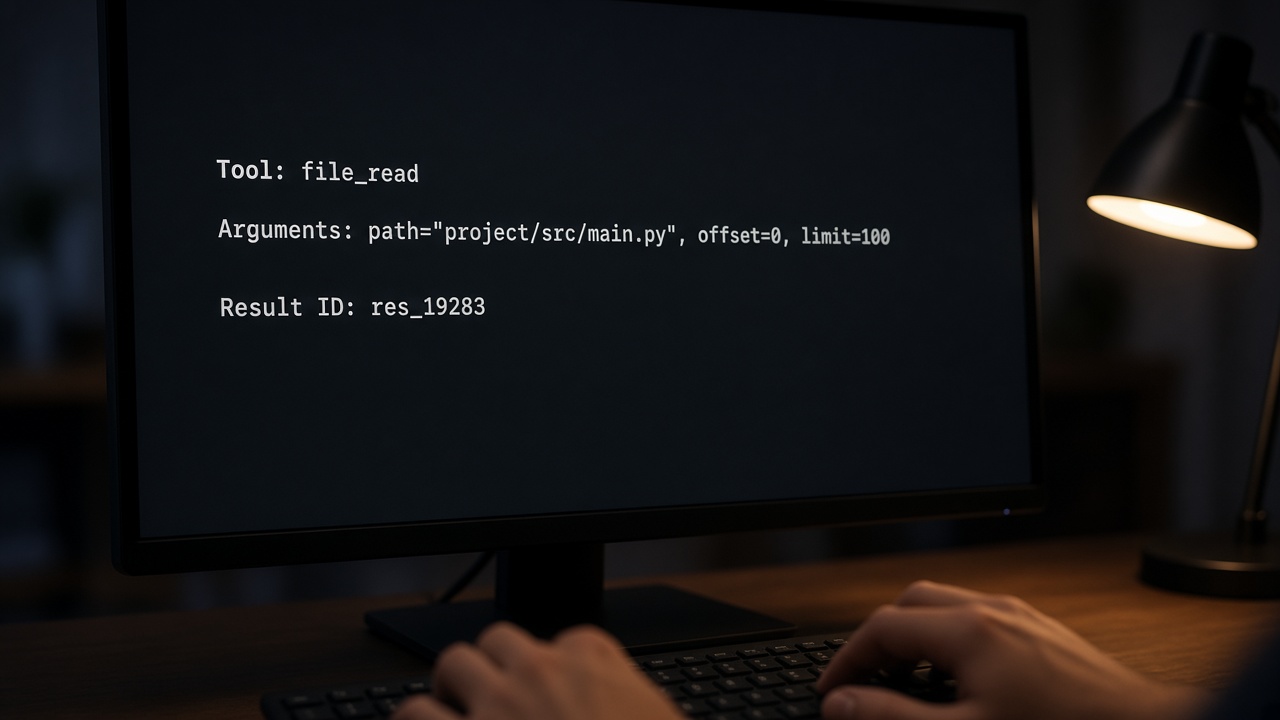
The result id is the lesson. The polite sentence is optional.
When not to give a tool
If the job is “explain this paragraph”, you need no tool.
If the job is “answer from this PDF”, that is retrieve, not a write tool.
If the job can change the world — pay, delete, email everyone — keep the tool off until a person is watching. A confirm step is a tool too: propose_event, not create_event, until you click yes.
Read-only first. Write later. Pay never, unless that is the product and you have a human in the loop.
Common mistakes
A tool called do_anything. You cannot test it. Split it.
Arguments as a blob of prose. Use named fields: title, start, end. Then a bad date is a bug, not a vibe.
Swallowing errors. If the API fails, return the error. Do not let the model say “all set.”
Trusting the model to format money or dates. Your function parses and rejects. The model does not get a second chance to invent 32th of June.
Ten tools so the model can look busy. It will pick the wrong one. Add the second tool after the first has three passing cases.
Practise
- Write one function that appends a line to a file you own.
- Give the model only that tool.
- Ask it to add a line. Open the file.
- Ask it to add a line with a missing field. Confirm nothing was written.
- Ask it to delete the file. Confirm it cannot.
The refused delete is part of the lesson. An agent that can do everything is not a first project.
Checklist
- You can name the function in your repo.
- Arguments are fields, not a paragraph.
- You have a case that must not run the tool.
- You can show a result id, not only a claim.
- Write tools stay off until a person is watching.
The next step is one action you can undo, not a bigger toolbox.