 Excelrs
Moderator approval in the catalog
A moderator moves staging items into the live catalog, and a menu photo or PDF becomes item lines.
Excelrs·5 October 2026 · 5 min read
Catalog is the item list. A new item can sit in staging before it is in the live catalog. A moderator is the person who lets it through. A menu can arrive as a photo or a PDF and become lines a person can match by name. Two profiles already name that work.
Staging, then the live list
Om Kumar Choubey's profile says moderator approval of staging items into the live catalog, and a manual barcode tab. On 5 October 2026 the catalog API gained the moderator side, along with a soft delete. That is the day this note uses. A staging item is an item that exists and is not yet the public list. Approval is the step that moves it into the live catalog. Soft delete is part of that same API day. It is how an item can leave the active list without the row vanishing. The manual barcode tab is the other half of his sentence. The barcode can be entered by hand on that tab. On 4 September 2026 the web repo also gained a barcode scanner component and an item submission modal. The profile names the manual tab, so the tab is the sentence to trust. The scanner component is an earlier barcode tool in the same app, and it is named here so the tab is not confused with it.
Suryadip Sarkar's profile says bulk match of catalog items by name, and parsing a menu photo or PDF into item lines. Bulk match means many items at once, compared by name, rather than one item opened and checked by itself. A menu photo or a menu PDF is the input. Parsing turns that file into item lines: one line per item the parser could read. Those lines are what a person can then match to names already in the catalog. His profile is the source for both the match and the parse. This note does not borrow Om's 5 October date for that work.
The two lines meet at the live list and stay distinct. Parsing makes lines from a menu. Matching connects those lines to catalog names in bulk. Moderator approval is what lets a staging item become part of the live catalog the match is aimed at. The manual barcode tab is how a barcode is typed when the item needs one. A menu line, a name match, a staging row, and a barcode are four fields on the way to one live item. Each profile owns the fields it states.
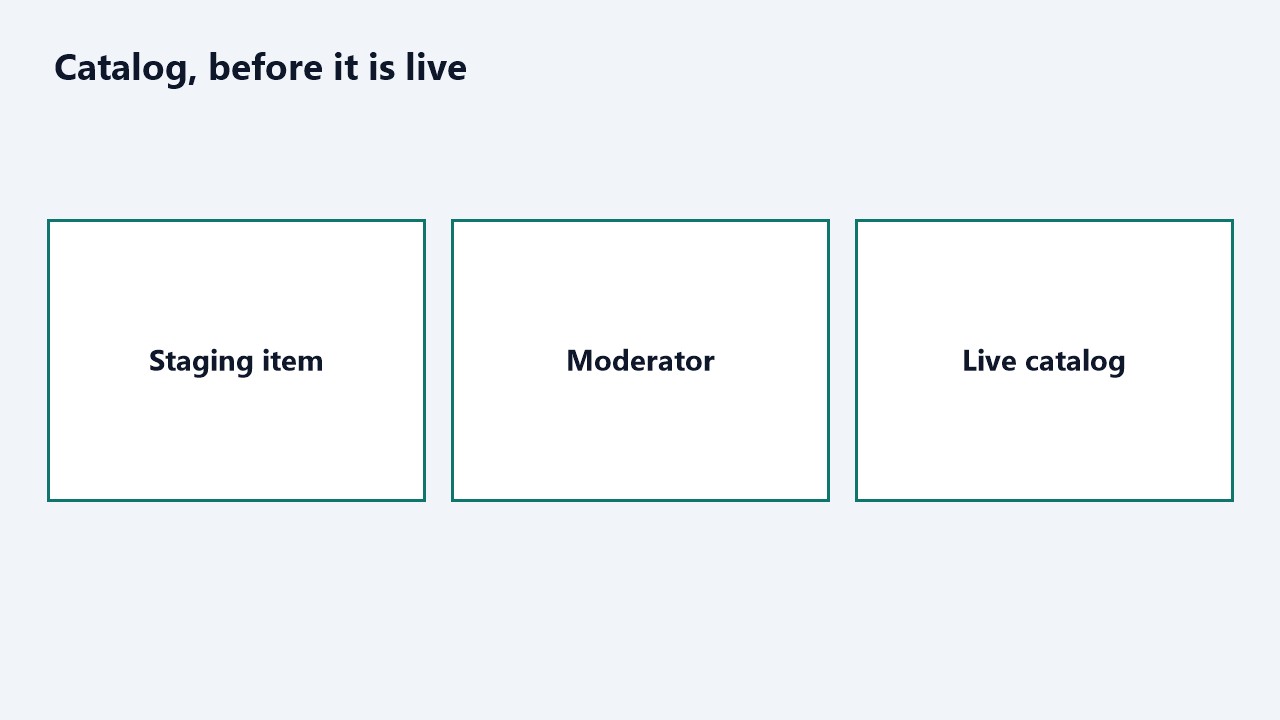
A moderator lets a staging item into the live catalog.
Who changed it
| Person | What the profile says |
|---|---|
| Om Kumar Choubey | Moderator approval of staging items into the live catalog, and a manual barcode tab. |
| Suryadip Sarkar | Bulk match of catalog items by name, and parsing a menu photo or PDF into item lines. |
Walk one item. It starts as a line from a menu photo or a menu PDF, which is Suryadip's parse. The line is matched by name to an item already in the catalog, in bulk with the other lines, which is his match. If the item is still staging, a moderator approves it into the live catalog, which is Om's approval. If the item needs a barcode and the person has the code in front of them as text, the manual barcode tab is where it is typed.
The live catalog is the list a shopper or another app should trust. Staging is the holding area so an unreviewed item does not appear there yet. Approval is a person, the moderator, and not an automatic hop from staging to live. Soft delete, from the same API day as the moderator routes, is the way back off the active list. The diagram is those three words: staging item, moderator, live catalog. The second diagram is the menu path: photo or PDF, item lines, match by name.
A company reading the profiles can look for a staging list, a moderator action that publishes into the live catalog, a tab where a barcode is typed, a way to match many items by name, and a way to turn a menu photo or PDF into lines. Item prices and shop names stay in the catalog.
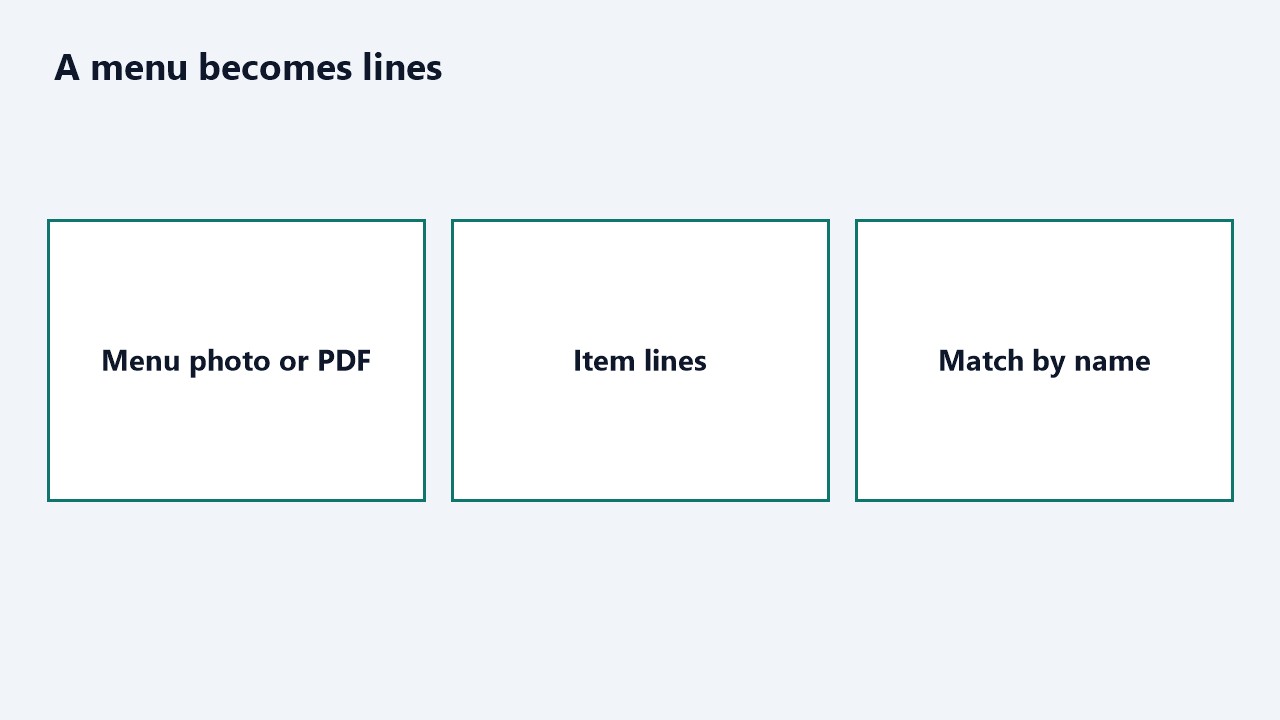
A menu photo or PDF becomes item lines, then a match by name.
What stays staging
Staging is what keeps a half-finished item off the live list. A menu parse can produce lines that are not ready. A bulk match can suggest catalog names. Neither step is the moderator's approval. Approval is a person moving a staging item into the live catalog. If a parse wrote straight into the live list, Om's sentence would be skipped. The order the profiles support is: lines from a menu, a match by name, then a moderator when the item is still staging.
The manual barcode tab is the typed path. The 4 September scanner component can read a code with a camera, and the item submission modal is from that same day. The profile names a tab where the code is typed. Both can exist in the app. The sentence to test is the tab. Soft delete, from the moderator API on 5 October, is how an item leaves the active list afterward. It belongs to that commit. It is not a third profile line.
A shop name, a price, and a photo of one particular menu stay in the catalog. The second diagram stops at item lines and a match by name, which is as far as Suryadip's sentence goes. The first diagram stops at staging, moderator, and live catalog, which is as far as Om's approval line goes.
What you can open
Moderator approval of staging items into the live catalog, and a manual barcode tab.
The date on this note is 5 October 2026, the moderator APIs. The barcode scanner component and the item submission modal are 4 September 2026. The manual barcode tab is the phrase on Om's profile. The bulk name match and the menu parse are the phrases on Suryadip's profile.
This note adds no placement and no extra client. The proof is the live catalog, where the profile has a link, and the two sentences already stored on the profiles.